Control panel
The addon runs in the background and does not require manual intervention in normal operation. Even so, it can be useful to inspect the list of mirrored assets or browse your full Mux library. For that, you can enable dedicated control panel listings under Tools → Mux by granting the relevant permissions to the applicable roles.
Permissions
The addon registers a permission group named Mux. Assign these permissions to roles under Users → Permissions in the control panel. No role has them by default.
| Permission | Grants access to |
|---|---|
| Manage Mux | Page showing assets mirrored to Mux |
| View Mux library | Page listing all videos in the connected Mux account |
| Open Mux dashboard | Opening links to the connected Mux account dashboard |
| Delete Mux assets | Deleting videos from Mux via row and bulk actions |
| Trigger sync | Running manual sync commands from the control panel |
Pages
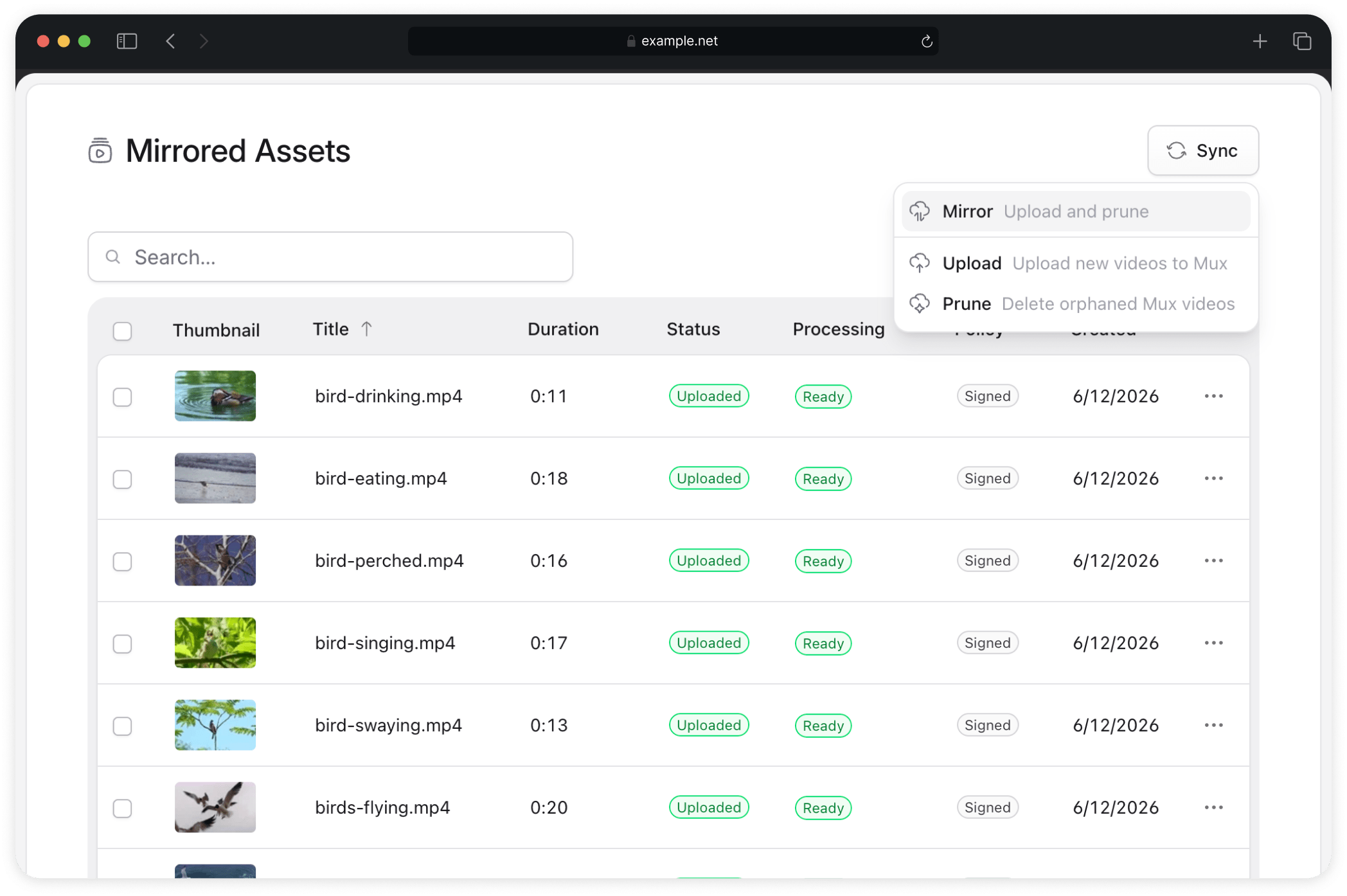
Mirrored Assets
Lists the local video assets in your Statamic asset containers alongside their Mux sync status. Use it to check which videos have been uploaded and to trigger uploads manually.
Clicking an asset opens the Statamic asset editor. Per-row actions include opening the player page and copying the asset ID, playback ID, player URL, embed code, or thumbnail URL. Bulk actions cover uploading, reuploading, and deleting the selected videos on Mux.
Mux Library
Lists all videos in the connected Mux account, including any that were not uploaded through this addon. Use it to review the full Mux library and compare it against your local assets. The library list is cached: the Clear cache and reload menu item fetches fresh data from the Mux API.
Clicking an asset opens it in the connected Mux dashboard, if granted permission.
Manual sync
Both pages include a Sync button that runs the addon's sync commands in the background, without needing shell access. Running the sync requires a working queue worker, since uploads are queued.
Asset editor
The Mirror fieldtype shows the upload status of an individual asset, both as a column in the asset browser and as a badge in the asset editor.